
Photography · · 5 min read
How to Add a 360° Product Viewer to Your Online Store
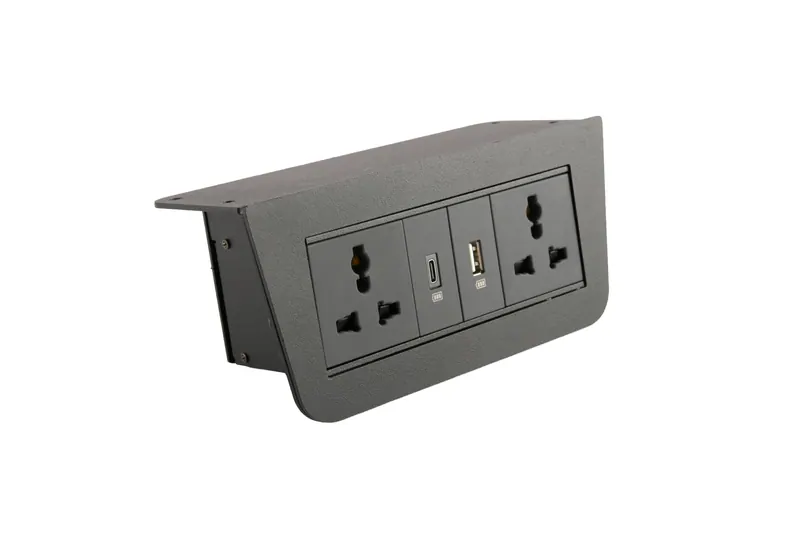
A 360 degree viewer lets customers rotate a product with a finger or mouse, and see it the way they would in a shop. For products where shape, finish and construction matter, it can answer questions before they are asked. Getting one onto a store is less complicated than it sounds, but a few decisions made early determine whether it works smoothly or drags your site down. This is a practical guide for sellers who want to add spins to their stores.
Decide which products deserve a spin
Not every product needs one. Prioritise items where customers hesitate: footwear, bags, electricals, tools, appliances, furniture, valves and components, and anything with moving parts or distinctive shape. Start with your top sellers and highest-return products, measure the effect and expand from there. A spin for a plain white tee shirt is rarely worth it.
Choose the right number of frames
A spin is a sequence of photographs taken as the product rotates. More frames give smoother motion and larger files. Twenty-four frames give a simple, slightly stepped rotation that loads quickly. Thirty-six is a popular middle ground. Seventy-two feels almost like video. For most online stores, twenty-four to thirty-six frames strike a good balance between smoothness and speed. Larger or premium items can justify more.
If the product needs to be seen from above or below, consider a multi-row spin with several rotations at different camera heights, but know that it multiplies files and cost.
Plan the shoot for consistency
A good spin is shot on a turntable with consistent lighting, a fixed camera and a clean background. Prepare products carefully, since dust and fingerprints are visible in every frame. Match the product's centre of rotation, so it does not wobble. Keep the colour and exposure constant across all frames to avoid flicker.
Reflective products need extra care: large soft light sources and careful positioning prevent highlights from jumping between frames. A studio that has shot spins before will test the rotation before committing to the full set.
Optimise the files
Spin viewers load many images, so size matters. Frames should be compressed with modern formats such as WebP, at dimensions suited to your page, usually between eight hundred and twelve hundred pixels on the long side for the standard view. A zoomed view can use larger images, loaded only when the customer taps to zoom. Aim to keep the total weight of a spin well under a few megabytes where possible.
Ask your studio to supply both the full-size frames and web-optimised versions, and to deliver files named in order, so they can be used by any viewer.
Pick a way to embed it
There are three common routes. The first is an embeddable viewer supplied by your studio, usually a small script and a folder of frames that you place on your page. The second is a plugin or app for your platform, such as Shopify or WooCommerce, which accepts frames or a video and displays them. The third is a third-party service that hosts the viewer for a fee. Each has trade-offs in cost, control and performance. If your store runs on a platform with restrictions, ask the studio what has worked with it before.
Place the spin near the top of the product page, either as one of the gallery images or as a button that opens the viewer. Make it obvious that the image is interactive, with a small rotate icon or a hint such as "drag to rotate".
Protect your page speed
Do not load the full spin on page load for visitors who may never use it. Show the first frame as a static image, and begin loading the rest when the visitor interacts or scrolls near the viewer. This protects your Core Web Vitals and mobile experience. Test the page on a mid-range phone over mobile data, which is where problems appear first.
Also check that the viewer is accessible: provide a text description, keyboard controls where possible and a fallback image for browsers that do not run the script.
Make it work on mobile
Most e-commerce traffic in India comes from phones. Make sure the viewer responds to touch, scrolls the page when the finger moves vertically, and does not trap the user. Buttons should be large enough to tap, and the zoom should work with pinch gestures. Test on several devices and screen sizes before launch.
Measure the result
Track what happens after you add the spin. Compare conversion rate, add-to-cart rate, time on page and returns for products with and without spins over a fixed period. Look at how many visitors interact with the viewer. If results are positive, expand to more products. If not, check the usability, loading speed and whether the spin adds information customers need.
Marketplaces versus your own site
Marketplaces differ in what they allow. Many accept standard images and video but not interactive viewers. Your own website is where a spin has the most freedom. Use standard photographs for marketplace listings and the spin on your own store, and keep the images consistent between them.
Working with Khobare Studio
We shoot spins in our Wakad studio or at your premises for larger products, and deliver embeddable viewers, raw frames and hero stills. You can see live examples and details on our 360 degree product photography page, and we can combine spins with standard product photography in the same session.
Troubleshooting common problems
If a spin looks jerky, check the frame count and the rotation consistency. If it flickers, the lighting probably changed between frames. If it loads slowly, reduce file sizes and defer loading until the visitor interacts. If it fails on some phones, test the script on different browsers and provide a static fallback. If colours look wrong, check that the frames were exported in a standard colour profile. Most problems are solved at the shoot or export stage, not on the website, which is another reason to involve a studio that has built viewers before.
Final thoughts
Adding a 360 viewer is mostly planning: choose products where it helps, pick a sensible frame count, shoot consistently, optimise files, embed carefully and measure results. Do it in that order, and the viewer becomes a quiet, effective salesperson rather than a heavy gimmick.
Related service
360° Product Photography in Pune
Interactive spin views that let buyers inspect every angle.